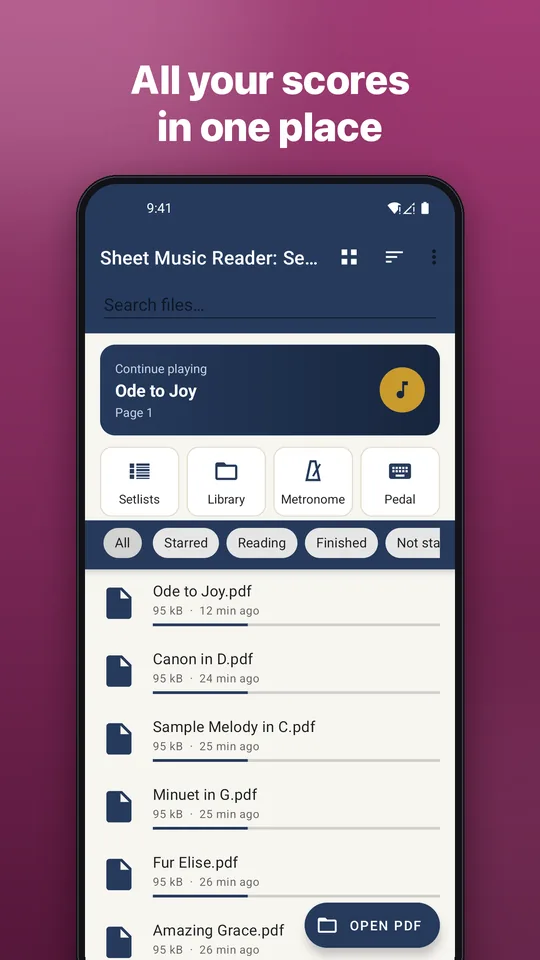
Your score library
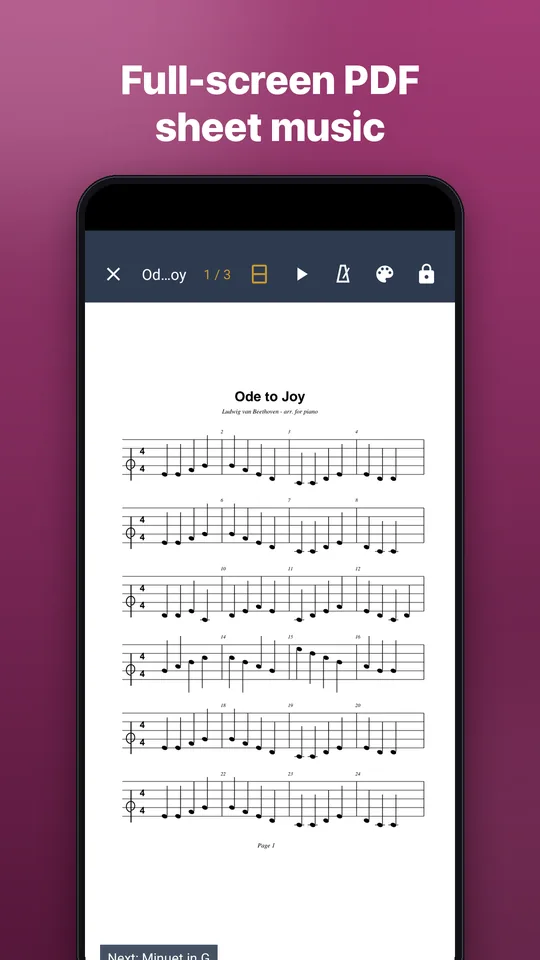
Import PDF scores from your phone, Drive or Downloads, sort them into folders and reopen each one at the page you left.
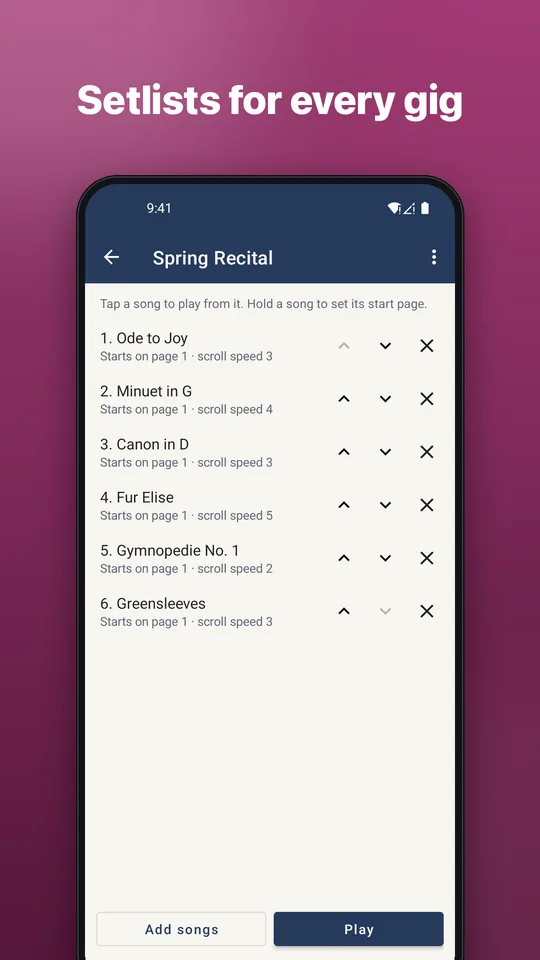
Setlists
Put scores in the order you will play them and move to the next song without going back to the library.
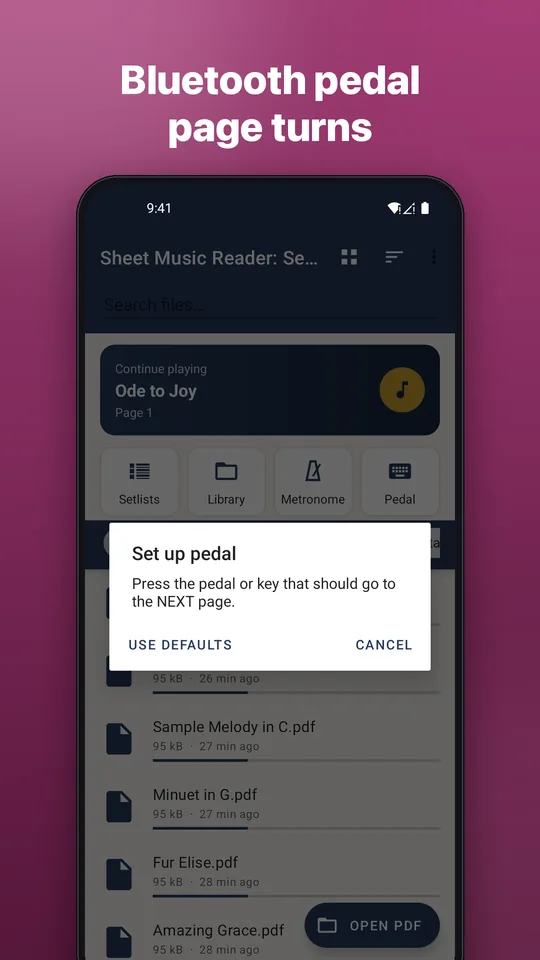
Pedal and volume keys
Bluetooth page turners and foot pedals, the volume keys, or a tap or swipe turn the page.
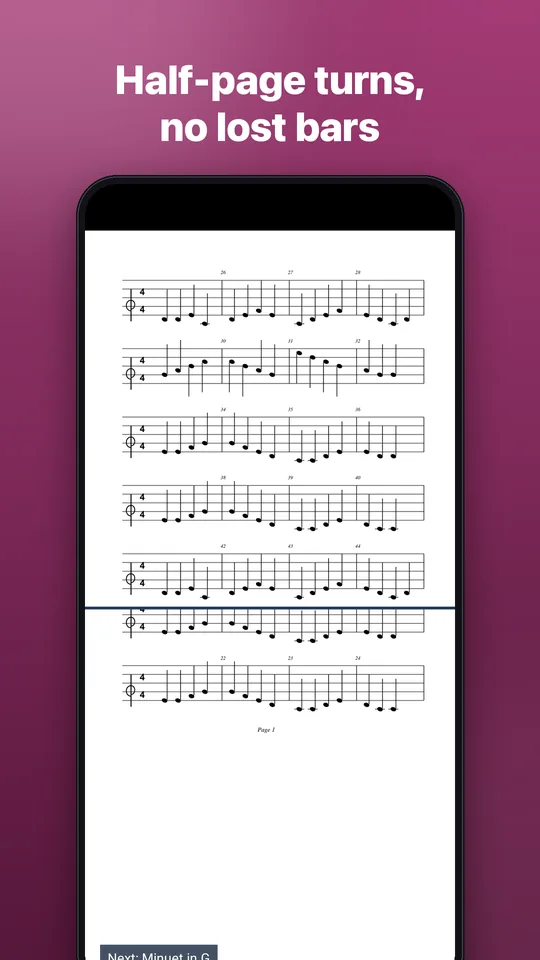
Half-page turn
See the top of the next page while you finish the current one.
Performance mode
Full screen with no ads, page lock against accidental zoom, screen always on, night and sepia modes.
Mark up scores
Pen and highlighter for fingerings, breaths and cues. Your marks never change the original PDF.
Song index for fake books
Add a song index to a big song book PDF and jump straight to a song.
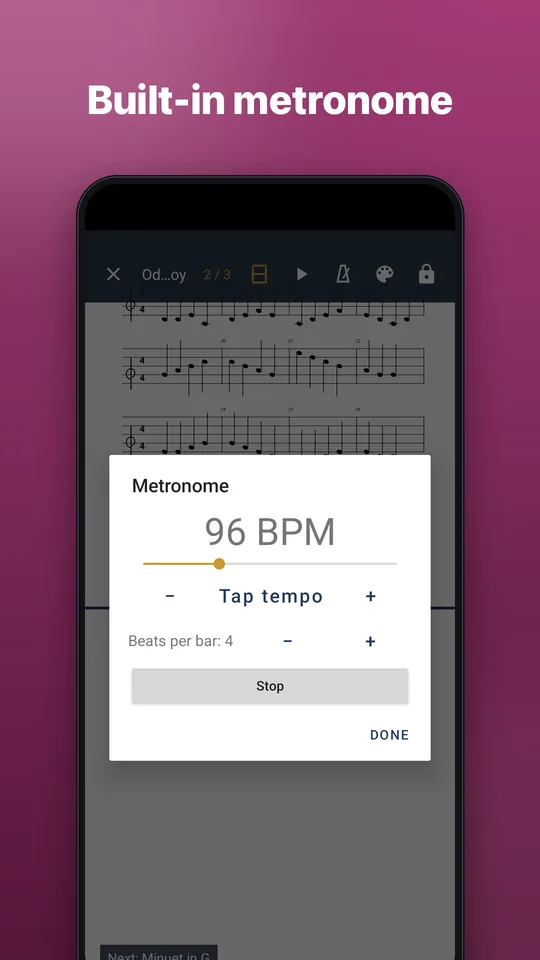
Metronome and margin trim
A built-in metronome, and trimmed white margins so notes look bigger on a phone.
Scan paper sheet music
Scan a printed score with your camera into a clean PDF with edge detection and a black-and-white filter.
English and Vietnamese
The app is available in English and Vietnamese.